How revenue, expenses and profit add up
What the Statistics tab counts as revenue, how profit is calculated, and why a deposit never shows up twice.
Updated Sep 18, 2026
Every appointment carries its price, so the month adds itself up as you work. The Statistics tab is where that total lives — with expenses taken off and the profit left over.
The formula
- Revenue = the prices of all appointments in the period + all tips + any other income you entered by hand.
- Expenses = every expense you recorded in the period.
- Profit = revenue − expenses.
- Average price = service prices ÷ number of appointments. Tips and other income are left out on purpose, so the number means “what a visit costs”.
A deposit (Prepay) is part of the price, not an addition to it. It records that some of the money arrived early — see Deposits and tips.
What the dashboard shows
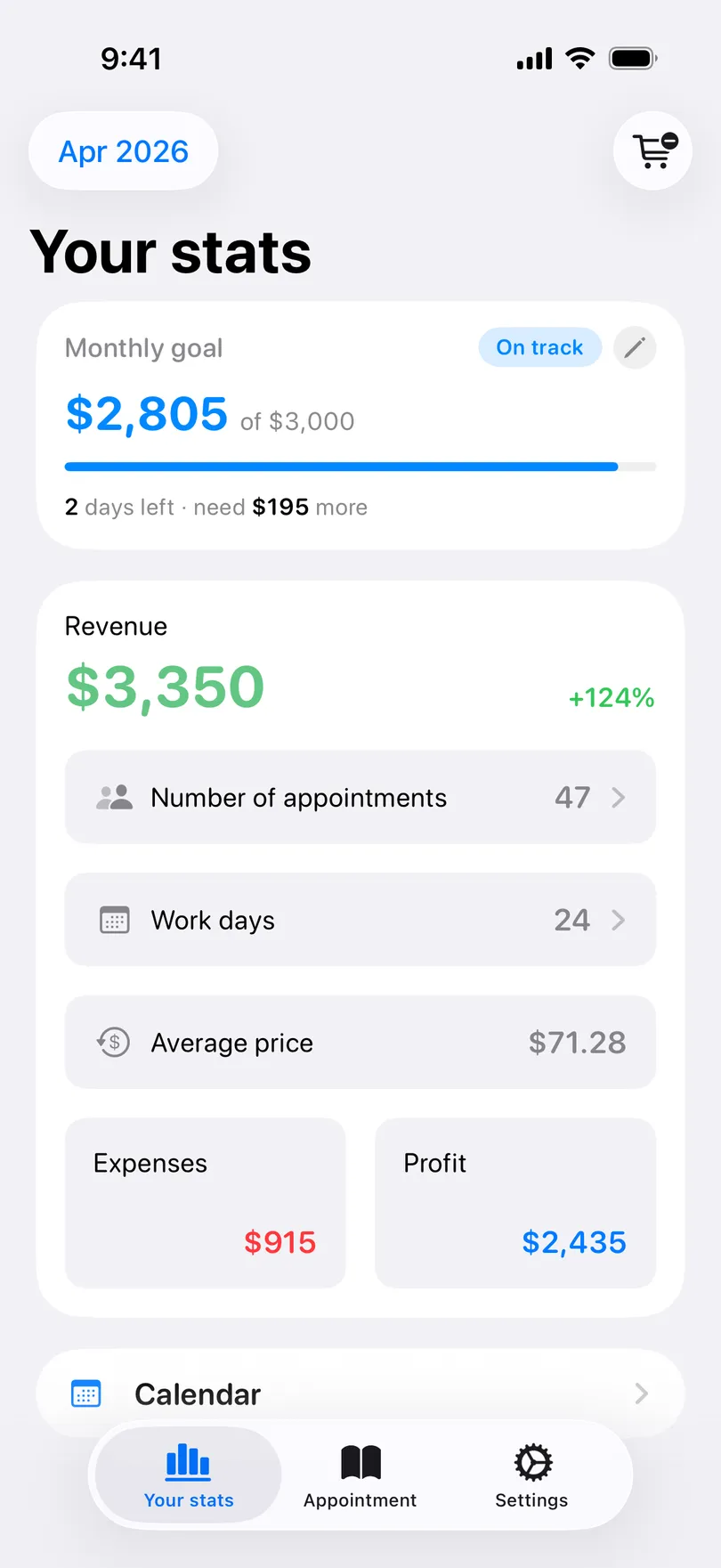
- Revenue, with the percentage change against the same number of days in the previous month (tap it on iPhone for the explanation), and a line noting how much of it was tips and other income.
- Number of appointments — tap to list them.
- Work days — days with at least one appointment. Tap for the calendar.
- Average price, Expenses and Profit.
- On iPhone, while the month is still running, tap the revenue figure to switch between Whole month and Earned so far — what has actually been done up to now.
Where each number comes from
- Price, prepay and tip are typed on the appointment. Change them there and the statistics follow.
- Expenses have their own screen — see Track expenses.
- Other income — a product sold, a workshop, a rental — is entered on the Statistics tab with +. See Income outside appointments.
Good to know
- The current month is free. Choosing another month, a year or a custom range, and the profit, expense and trend figures, are part of Pro — see Statistics by period.
- Deleting an appointment removes its income from every total.
- There is no per-service breakdown. Revenue is counted per appointment, not per service.
Related questions
See also
Read more on the blog
Didn’t find the answer? Ask support
My Clients 

Start organizing your clients today
Free No account Works offline