Show appointments in Apple Calendar
Every appointment can appear as an event in a dedicated My Clients calendar on your iPhone, Mac and Watch — one way, from the app to Calendar.
iOS onlyPro Updated Sep 18, 2026
Your work shows up next to the dentist and the school run, on every device that shows your Apple Calendar. Nothing changes about how you book: the app is still the place appointments are made and edited.
Steps
- Open Settings → Apple Calendar and turn the switch on. iOS asks for calendar access.
- A calendar named My Clients is created. Upcoming appointments — and the last 30 days — appear in it as events.
- New, changed and deleted appointments update the calendar by themselves.
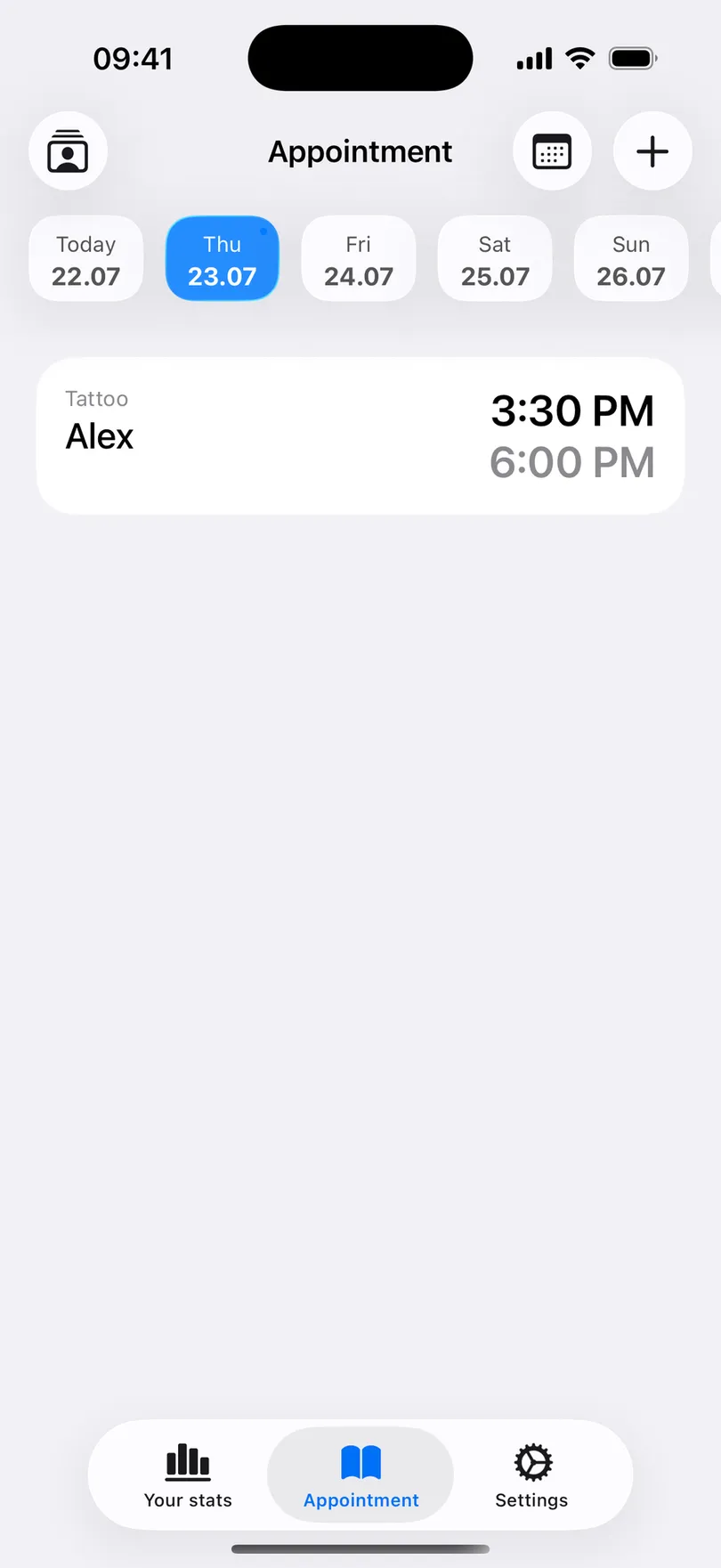
What the event contains
The title is client – service, the time is the appointment’s start and end (an hour when no duration is set), and a link that opens the appointment in the app. Price, phone number and notes are not written to the calendar — the calendar shows where you are, not what you charge.
Good to know
- One way only. Edit or cancel appointments in the app; a change made in Calendar is overwritten.
- Turning the switch off removes the My Clients calendar and its events — your appointments in the app are untouched.
- Personal reminders are not exported, only client appointments.
- If the calendar was created on the phone rather than in iCloud, the app offers Move to iCloud so it appears on your other devices.
- Part of Pro.
Related questions
See also
Read more on the blog
Didn’t find the answer? Ask support
My Clients 

Start organizing your clients today
Free No account Works offline