Your regulars, their cuts and your gaps in one book
For the barber whose clients text him for a slot. Write the booking in, keep the guard numbers in the notes, post the open spots, and see what the chair paid. Free, offline, no account.


Free · No account · Works offline
What actually goes missing behind the chair
A barber's book is mostly regulars. Keeping them is less about software and more about not losing track.
Bookings scattered across texts
One regular texts, another DMs on Instagram, a third books for next time while you're brushing him off. By Friday the week lives in four places.
The cut you gave him last time
Guard numbers, the length on top, the beard line he likes. Writing it down beats asking him to remember.
Regulars drifting
A fade looks sharp for two or three weeks. A regular who hasn't been in for six usually found another chair.
Rent first, then wages
If you rent the chair, the first question every month is whether the takings covered it. That's hard to answer from a bank app.
A book for one chair, not a system for a shop
- Cut
- Skin fade, 1.5 on the sides, scissors on top
- Beard
- Line-up only, keep the length
- Comes in
- About every 3 weeks
The cut, written down
Every client has a card with each visit, what he spent and how often he comes back. Notes stay with the visit, so the guard numbers from last time are there before he sits down. Paste his Instagram link and the profile is one tap away.
How it works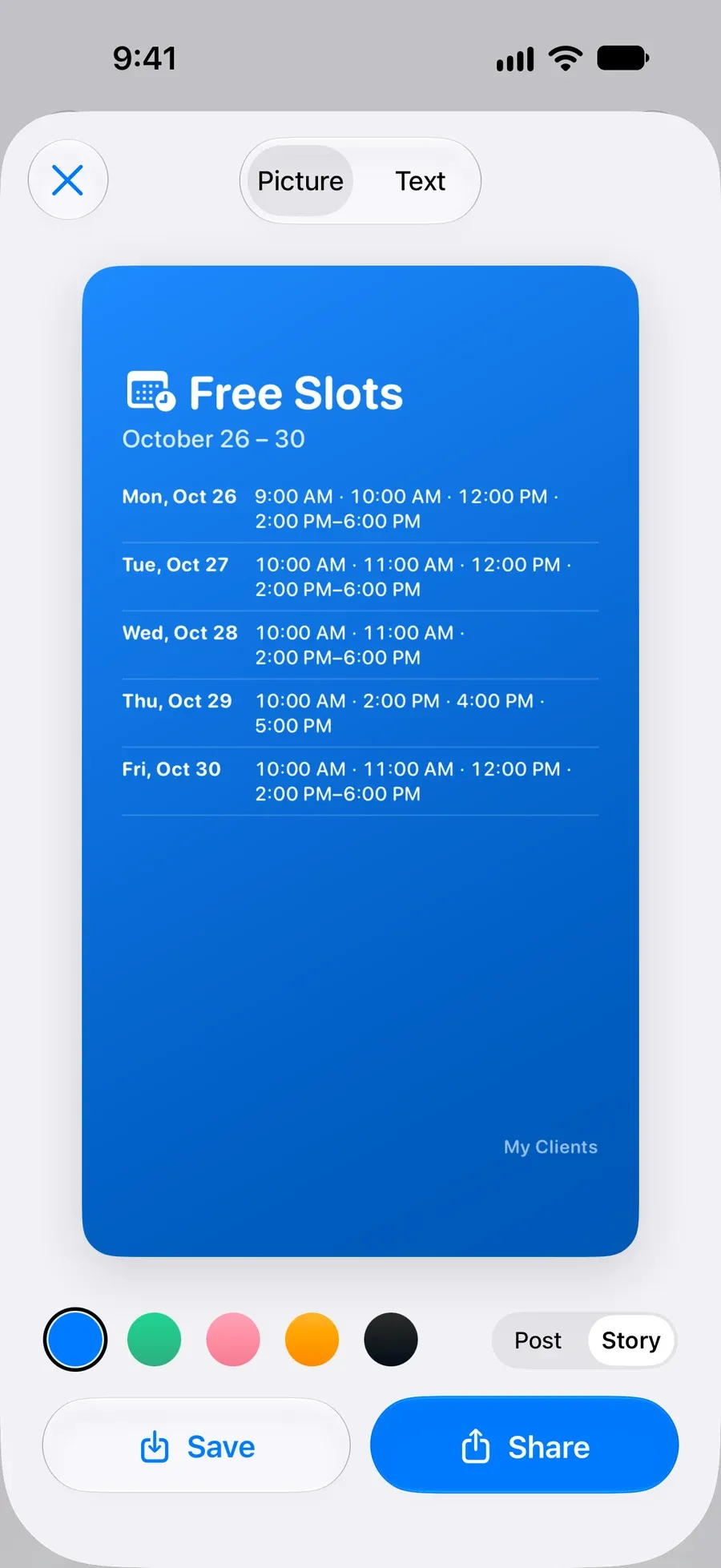
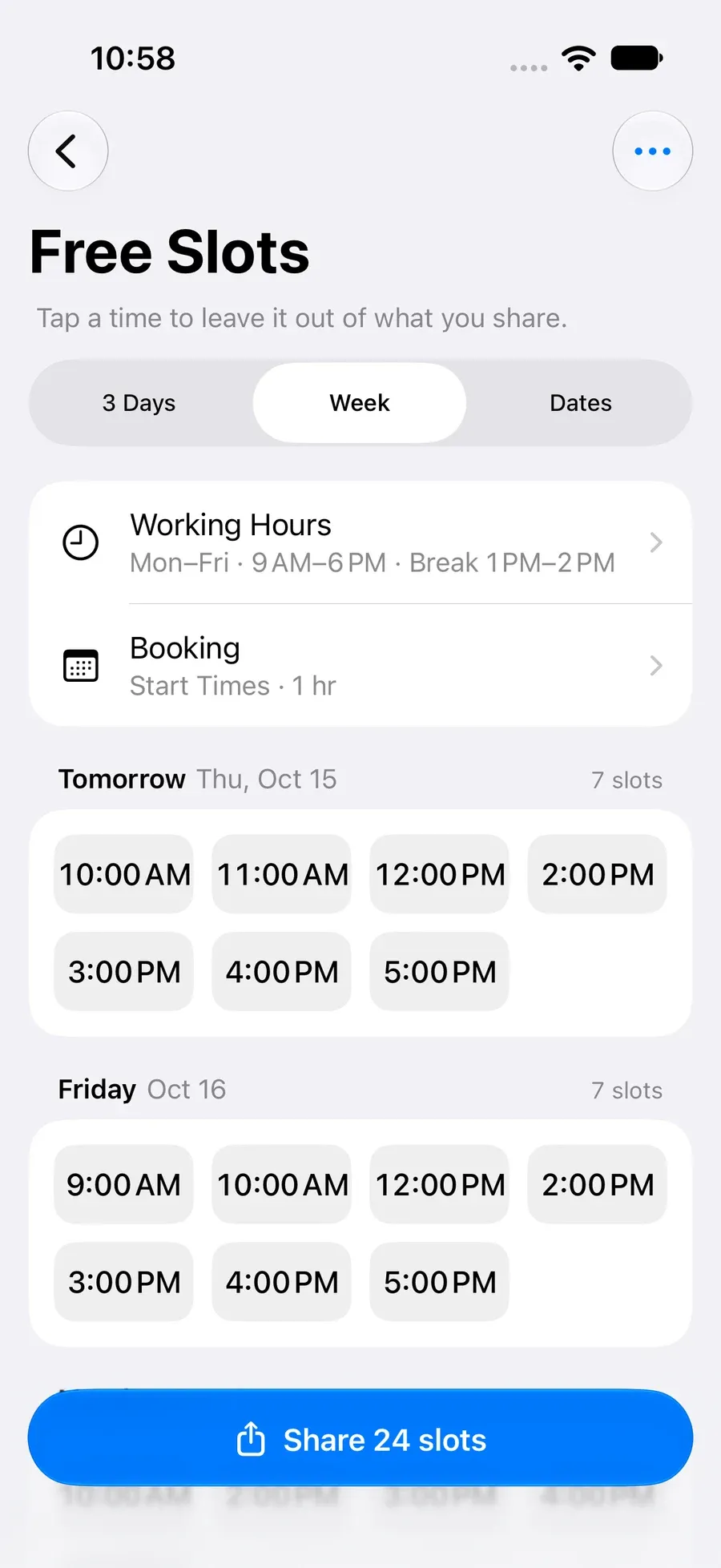
Post your open slots to Stories
Free Slots works out where the gaps are from your hours and bookings and makes one picture of the week for Instagram Stories, or a text for the group chat. Tap a time to leave it out.
How it works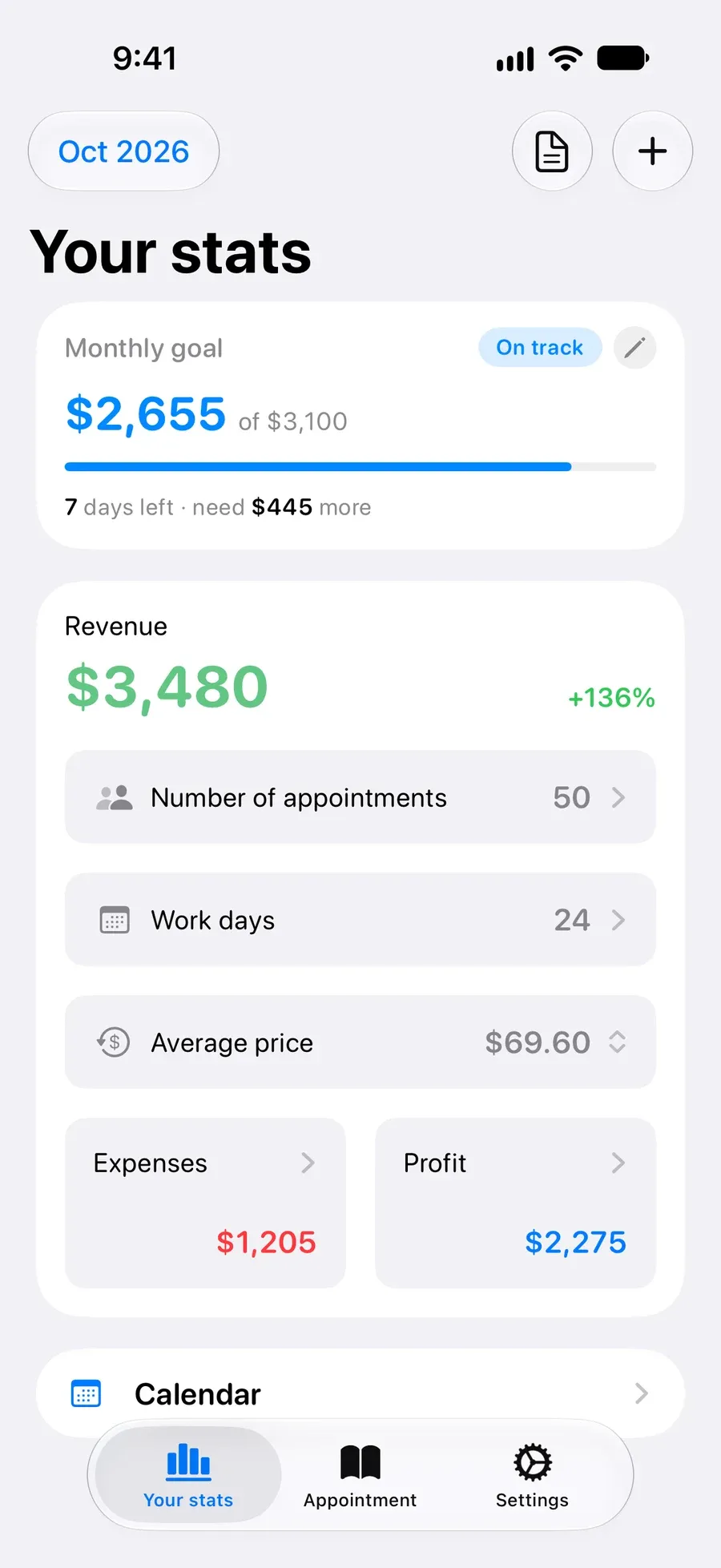
See what the chair paid this month
Every appointment carries a price and a tip, so this month's takings, the number of cuts and your average price are on one screen. Expenses, profit and past months are part of Pro.
How it works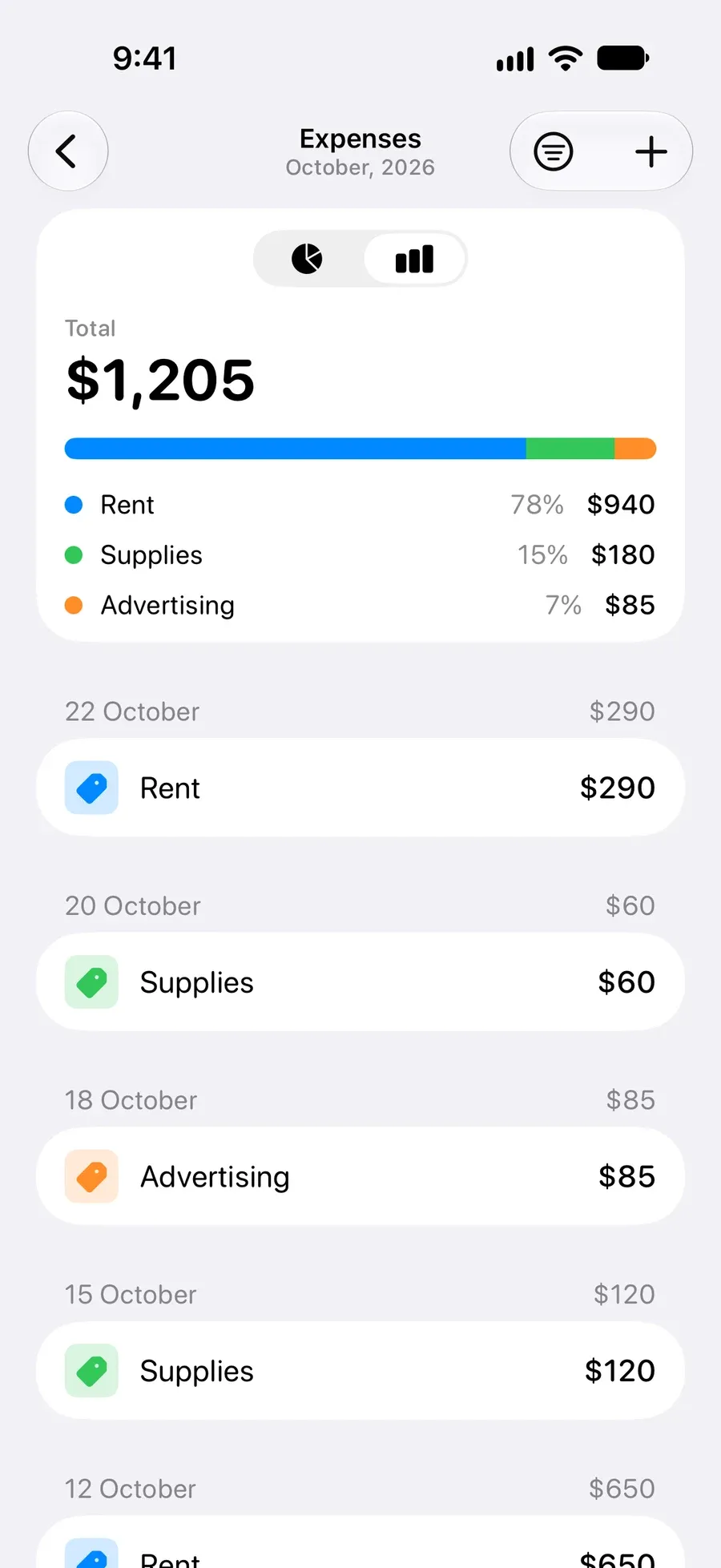
Rent and supplies against the takings
Log the chair rent, blades and products as expenses and the app shows what's left after them. Handy when rent is due on the first.
How it works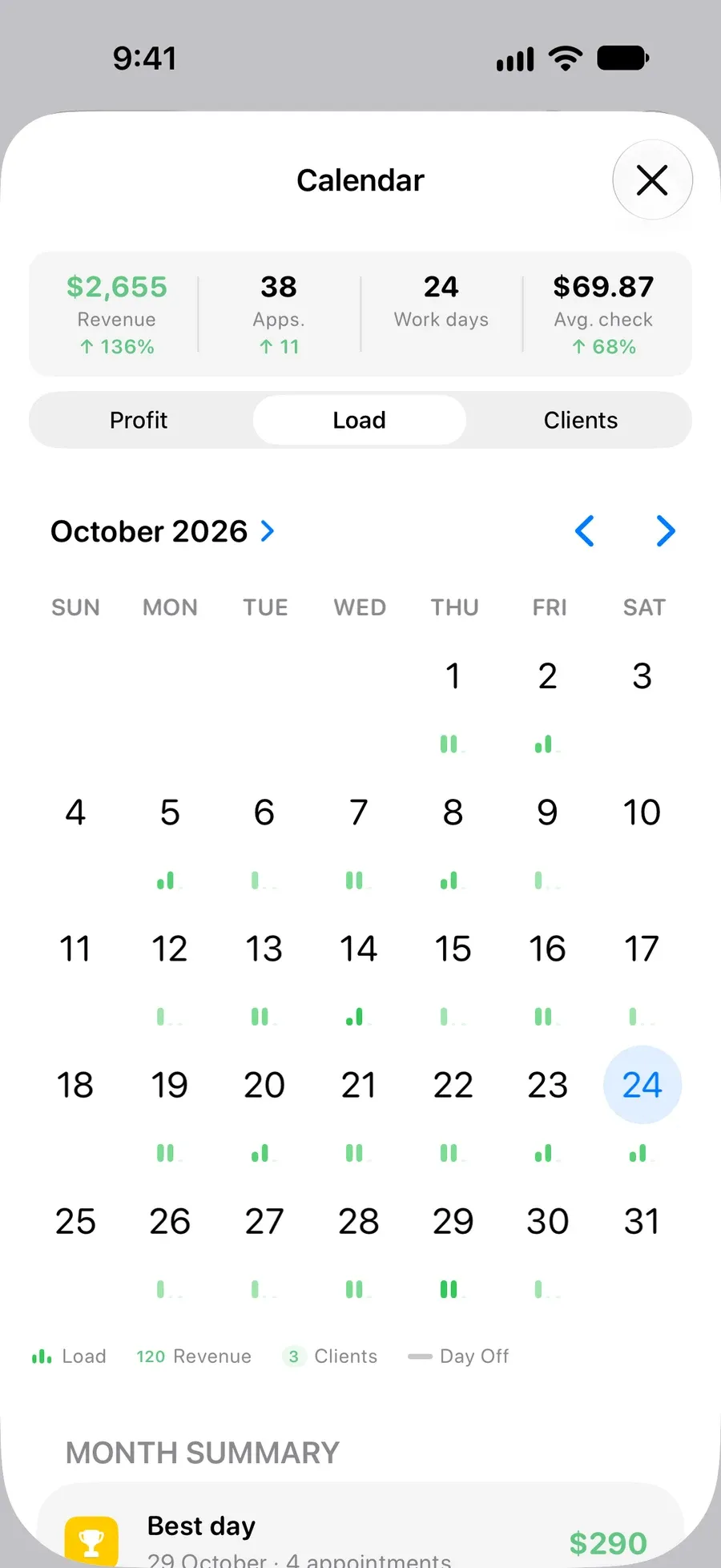
The whole month at a glance
A month grid shows how full each day was and what it earned, so you can see which mornings are always quiet before you decide to start later.
How it works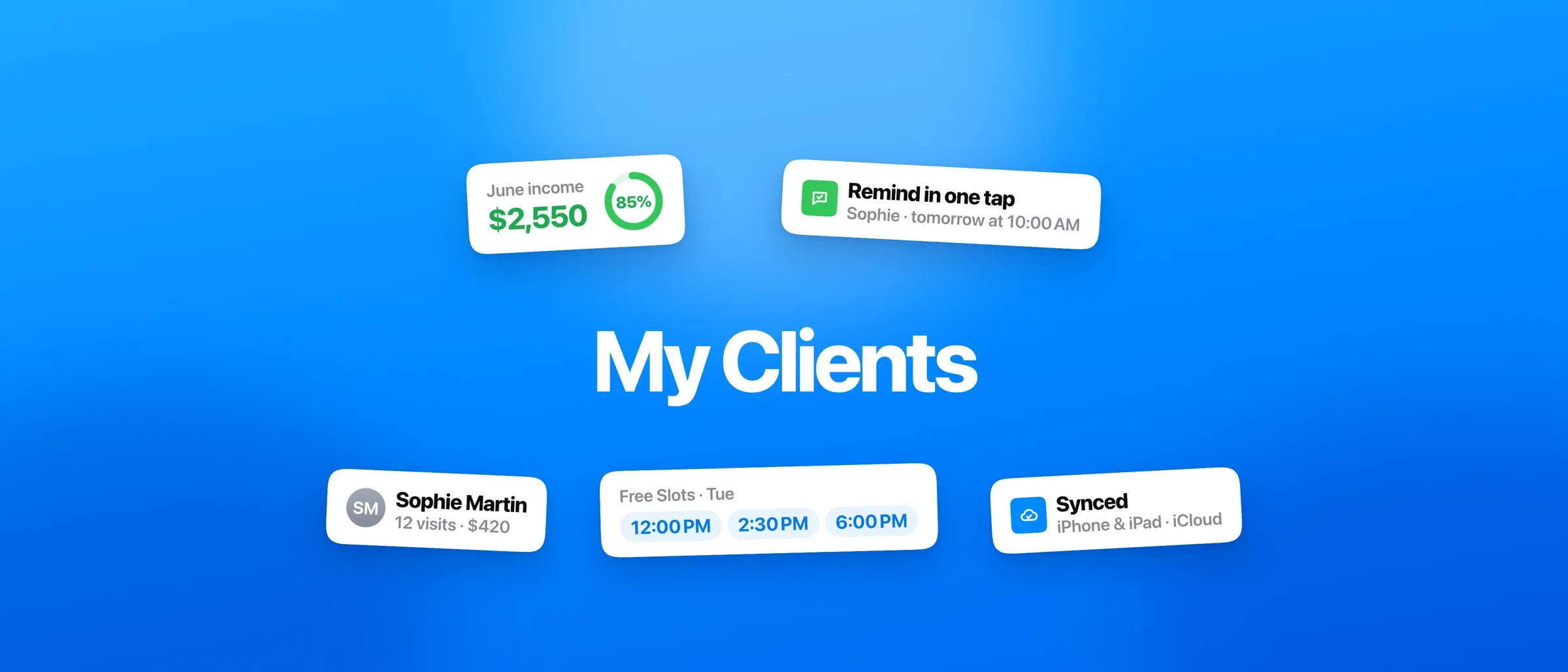
Every regular on a card
Each client keeps a card with every visit, what he spent and how often he comes back, plus notes for the cut and his Instagram. Book again starts the next appointment from the last one, and on iPhone a standing cut can repeat every 2 or 3 weeks on its own.
When a booking platform is the better choice
My Clients is an appointment book on your phone. Some barbers need more, and should have it.
- Clients book themselves from a link
There's no booking page and no marketplace. If strangers find and book you through an app, Booksy, theCut or Fresha do that.
- You take deposits or card payments
The app records prices, prepays and tips. It can't charge a card or collect a no-show fee.
- You run a multi-chair shop
It's one person's book. There are no staff calendars, commissions or a walk-in queue for the shop.
- You want reminders sent for you
The app reminds you, and you send the client a ready-written text in one tap. If that won't happen in a busy week, pay for automation.
Questions
Is My Clients free for barbers?
Yes. Unlimited clients, unlimited appointments, the client history and this month's takings are free, with a banner ad. Pro adds expenses and profit, past months, Free Slots, the month grid, iCloud sync and most widgets. On Android the client list itself is part of Pro.
Can I book a regular every three weeks?
On iPhone, yes: set an appointment to repeat every week, every 2 or 3 weeks or every month, and it's free. On Android, Duplicate copies an appointment a week ahead.
Can clients book online?
No. There's no booking page. Clients message you as they do now, and you write the appointment in.
How do walk-ins work?
Add one when he sits down, so the cut and the price count in the day's takings and he has a card for next time.
Does it remind clients?
It reminds you before each appointment. Hold the appointment, tap Notify client, and send the ready message by WhatsApp, SMS, Telegram or Instagram.
Does it work without signal?
Yes. Everything is stored on your phone, so a basement shop or a mobile job with no signal makes no difference.
Read more
- Best App for Barbers in 2026: Pick by How You Work
- How a Solo Barber Can Manage Regulars, Walk-Ins, and Cash Income — Without an Expensive CRM
- Your Regulars Are Quietly Drifting Away. Here's How to Find Them in Under a Minute
- “Anything Free on Friday?” Send Your Open Times as One Picture
- Booksy Alternatives for Solo Pros: Do You Need One at All?
Start organizing your clients today