See the whole month in the calendar view
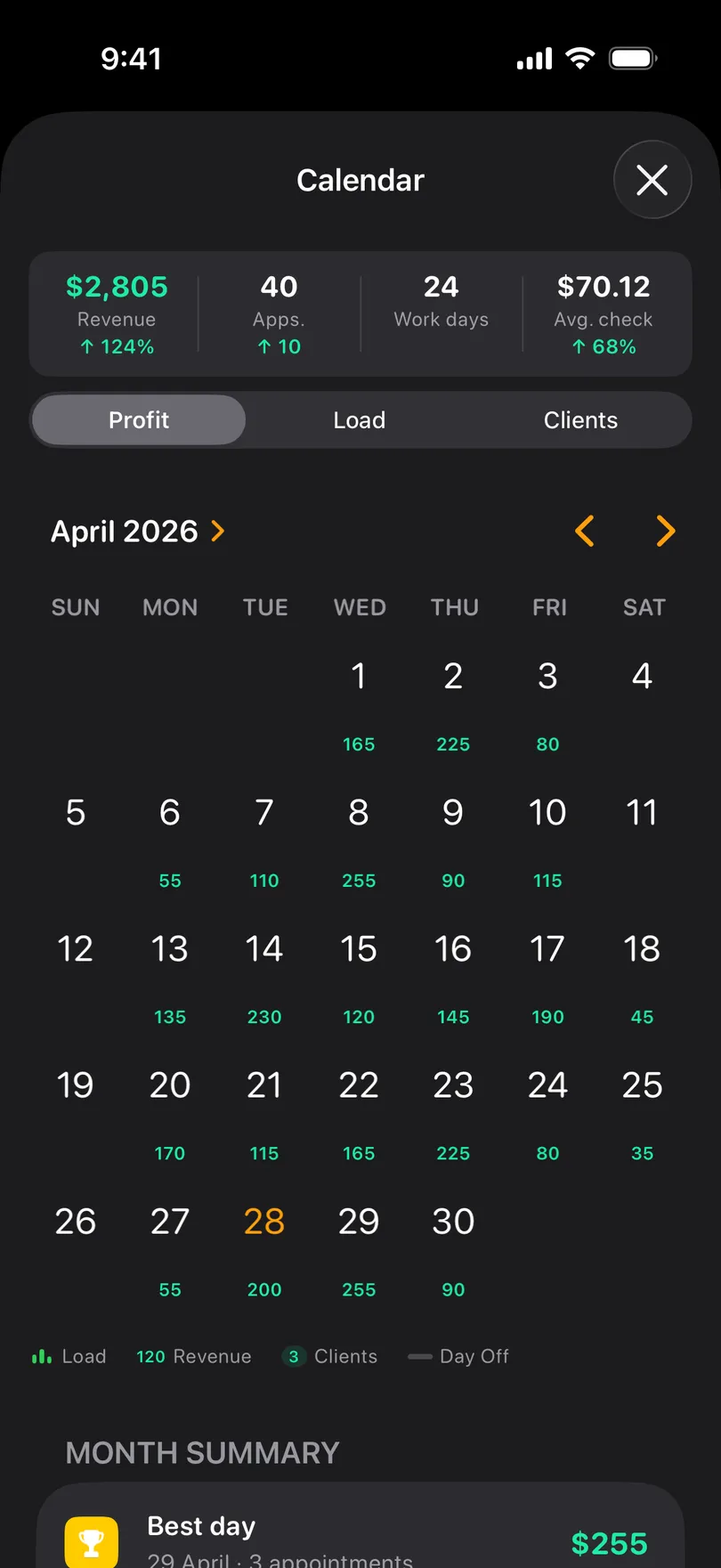
The calendar shows how loaded each day is, what it earns and how many clients it holds — and lets you book, move and mark days off from the month grid.
Pro Updated Sep 18, 2026
The day strip is for today and this week; the calendar is for seeing the shape of a month — which days are full, which are thin, where the gaps are.
Open it
- From the Appointments tab, tap the calendar icon in the top bar.
- From the Statistics tab, tap the Calendar row — this one comes with month totals and insights.
What the grid shows
Choose a display mode from the menu in the top corner (on Android, the three dots):
- Load — the appointments of each day as bars, so a heavy day is visibly heavy.
- Profit (Revenue on Android) — what each day earned, written under the date.
- Clients — how many different people that day holds.
- Names (iPhone only) — who is booked, right in the cell.
Days off are drawn as a line across the cell.
Work from the calendar
- Tap a day to see its appointments listed under the grid. On the Statistics calendar (Android) a tap opens the day’s history.
- Tap + to add an appointment on the selected day.
- Touch and hold an appointment in the list for the same quick actions as in the schedule.
- Mark as Day Off from the button at the bottom when the selected day is empty.
- Selecting a day also moves the day strip on the Appointments tab, so closing the calendar lands you where you were looking.
Good to know
- The statistics calendar adds a strip of totals — revenue, appointments, work days, average check — and a Month summary with the best day, the busiest and the weakest day. On Android the summary is the Best day card.
- On Android, a Today button sits beside the month arrows.
- Both calendar views are part of Pro.
Related questions
See also
Didn’t find the answer? Ask support
My Clients 

Start organizing your clients today
Free No account Works offline